
Animal Crossing: New Horizons
Move to a deserted island and create a bustling paradise while forming friendships, customizing your home, and expanding daily life.
Animal Crossing: New Horizons Guides

Animal Crossing: New Horizons Beginner’s Guide
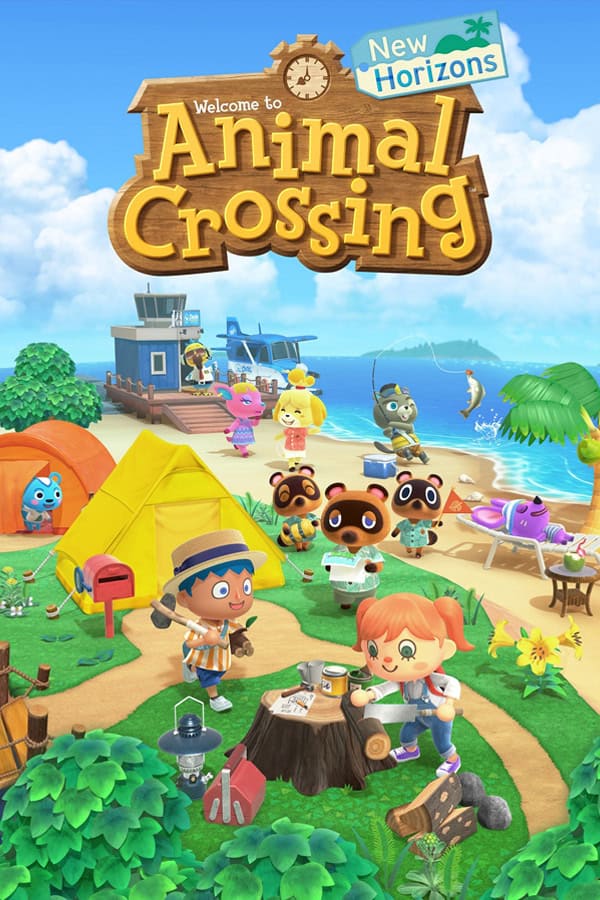
Animal Crossing: New Horizons is the latest release in the famous Nintendo franchise. Like others, New Horizons sees you ditch your past life for a slow-paced, small village experience, but this time on an island owned by Tom Nook.
What makes New Horizons different from its predecessors is its larger focus on building and expanding a thriving town and community by starting from nothing. Over time, you invite anthropomorphic villagers to join you, plot their houses, construct service buildings like museums and stores, and decorate your island as you see fit.
So, whether you’re starting fresh or returning after a break, this guide will walk you through your first week, smart early upgrades, fast bells, and the essential systems so you can focus on a simple, cozy experience without any fuss or confusion.
Quick tip: All Animal Crossing games, including New Horizons, play in real-time, so your local time is the in-game time, too.
However, you can tweak island behaviour to better suit your schedule (Shops opening earlier or later, for example) through Town Ordinances.
Time and daily loop
As mentioned, Animal Crossing: New Horizons runs in real time. Seasons, weather, and critters change with your system clock and hemisphere. While you can time travel (Changing the date forward or backward) by changing your Switch system’s clock – we actually recommend you avoid doing this – there’s no way to skip time, and this is important as new constructions can sometimes take several days to complete. This means waiting the same amount of time in real life, too.
To combat the above and due to the game’s mostly sandbox nature, many players have set up daily routines where they load up the game and complete their own objectives before logging off and restarting the process the next day. My routine usually included the following:
- Check my mail
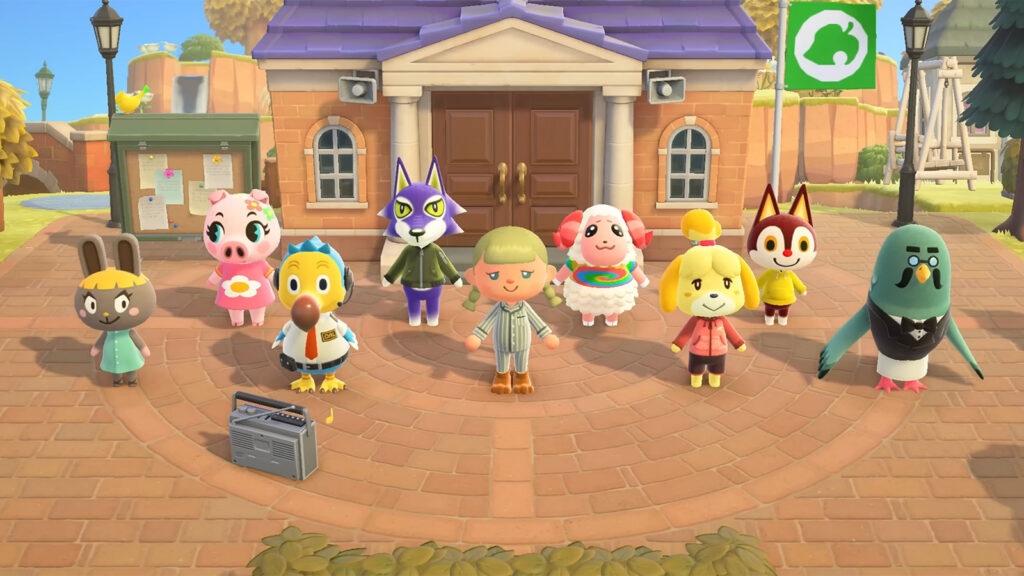
- Speak with all the villagers on my island
- Celebrate any birthdays and complete any villager errands
- Hunt for the day’s three fossils and get them analysed by Blathers at the Museum
- Hit the day’s money rock for easy Bells
- Check Timmy and Tommy’s shop for the day’s new furniture, wallpaper, flooring, and hot items
- Complete any miscellaneous activities (Catching any new fish or insects, selling items for Bells, funding new projects)
My routine varied day to day depending on whether I was playing early or late game, as there is a story you have to complete at the start of the game, compared to the late game’s complete sandbox focus. With so much to do in Animal Crossing: New Horizons, and everyone having their own preference, I recommend trying to find your own daily routine and seeing what works best for you.
Bells and economy
Bells are Animal Crossing’s in-game currency. They’re used to fund projects throughout the island, purchase furniture, clothing, accessories, tools, collectibles, stationery, wallpaper and flooring, and for expanding and customizing your home. Bells are earned by selling fruit, shells, hot items, fish, fossils, and bugs at Timmy and Tommy’s Nook shop.
Every day, one of the rocks on your island will be a money rock, and you can hit it to earn free Bells (If you’re quick enough, you can earn 16,100 Bells a day or 32,000 with good money luck from Katrina, the fortune reader NPC). You can also plant Bells in a daily golden spot on your island to grow a money tree, which offers a chance to collect more Bells once fully grown.
On Sundays before 12 pm, you can also purchase turnips from Daisy Mae in batches. Turnips can be sold Monday to Saturday at Nook’s Cranny through the Stalk Market, which functions like the real-life Stock Market. Prices fluctuate throughout the week, changing twice a day: before noon and after.
You’ll want to check the price every day, and only sell if the price is higher than what you bought your turnips for to ensure you earn a profit. However, all turnips bought on a Sunday rot within the week, so make sure to sell before the next Sunday.
Villagers and friendship
The core of Animal Crossing revolves around life with your neighbours, anthropomorphic villagers that walk around, fish, catch bugs, and chill around the island you’ve created. There are a total of 413 villagers in Animal Crossing: New Horizons, all of which are assigned a personality trait from eight options; Lazy, Jock, Cranky, and Smug for male villagers, and Normal, Peppy, Snooty, and Big Sister for female villagers.
When you first begin the game and are in the process of expanding and growing your island, you can erect two homes for villagers – one for a Jock villager and another for a Big Sister villager.
As you progress through the game’s story, you’ll eventually unlock more plots of land to invite additional villagers, up to a maximum of 10 at any given time plus the opportunity for a visitor on your island’s campsite. Villagers can decide to leave your island at any time, but you must grant them permission to do so – handy to stop any of your favourites from leaving town.
Quick tip: Villagers looking to move out will have a thought bubble above their head. If you agree to let them move, they will pack their belongings the next day and move off your island the day after. Thought bubbles can transfer between villagers if you avoid speaking to the villager with the bubble.
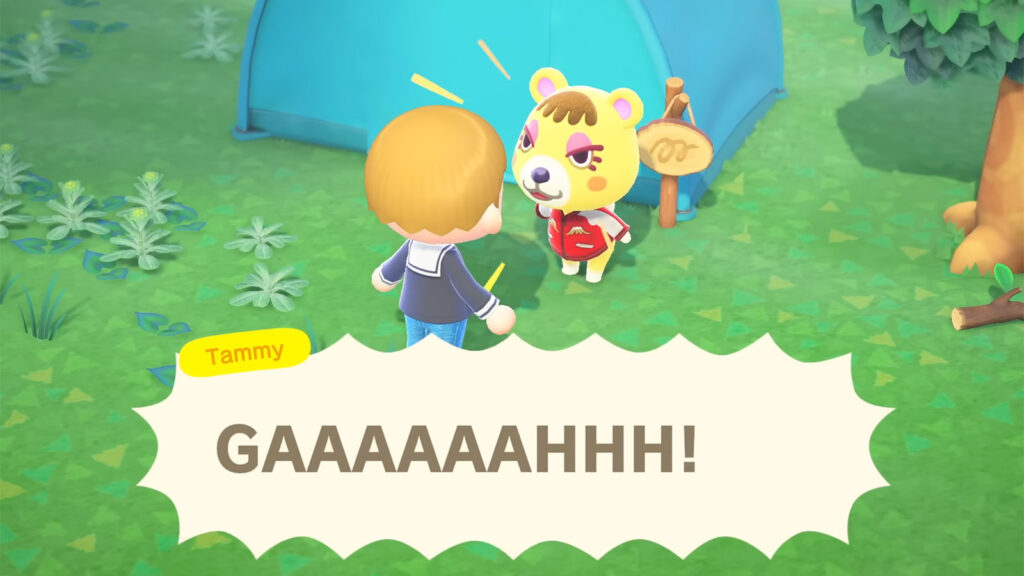
The game’s first three villagers (The Big Sister and Jock villagers at the start of the game, followed by the Cranky villager you recruit from the campsite) are randomly generated and decided for you, with no changing it.
The remaining villagers are found on neighbouring islands that you must travel to through Dodo Airlines by using Nook Mile points. The villagers found here must be invited to your island, giving you complete control over who you want to live with.
The villagers who do live on your island can be befriended by speaking with them daily, completing errands for them when requested, writing and sending them letters, and giving them gifts. If you develop your relationship enough with a said villager, they’ll eventually gift you a portrait of themselves, signifying their close relationship with you.
Tools and crafting
Like with previous Animal Crossing games, New Horizons comes with a series of tools you can use to dig, fish, catch insects, pop floating balloons holdings presents, and explore your island. The tools you’ll use day-to-day while playing Animal Crossing: New Horizons include:
- Fishing rod
- Net
- Axe
- Shovel
- Slingshot
- Watering can
- Wet suit
- Ladder
In addition to this, New Horizons also comes with several other tools you can use at different points of the game:
- Vaulting pole: Used at the start of the game to cross rivers or ponds without bridges
- Timer: Used for multiplayer activity or anything else
- Wand: Used to store and quickly swap between a maximum of eight set outfits
- Megaphone: Returning in the 3.0 Update. Used tolocate villagers
Finally, there are also a range of other tools that you can use, but these are often tied to seasonal events or just simply used for decorative purposes or cute interactions across your island.
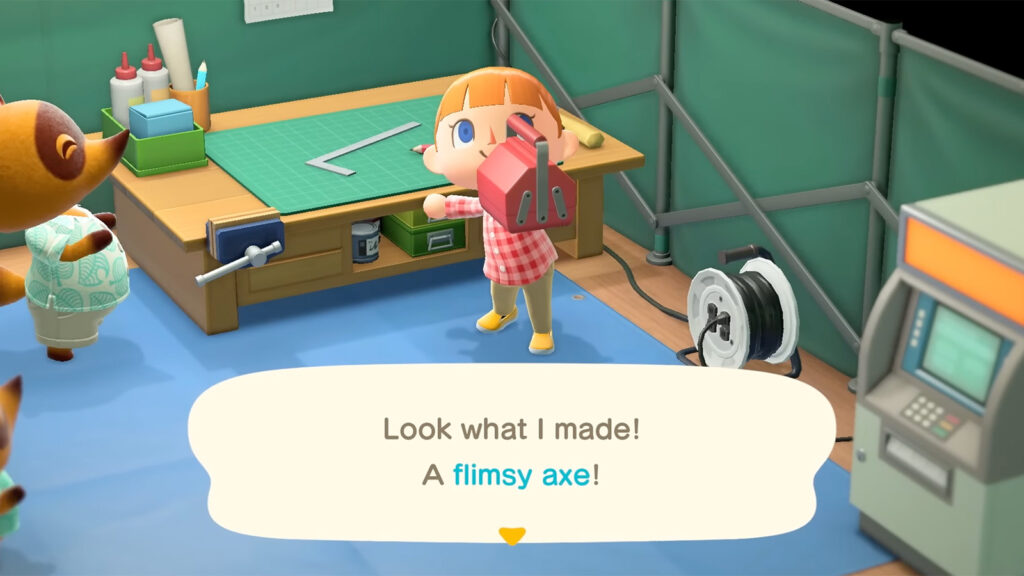
Unlike previous Animal Crossing games, however, these tools have durability and can eventually break, with durability levels generally being:
- Flimsy
- Basic
- Silver
- Golden
There are additional levels available, too, depending on the tools. For example, the Fishing Rod comes with Colourful, Fish, and Outdoorsy rods that all have similar durability, while the Axe comes with Stone and Worn variations.
You’ll need to continually craft new tools throughout the game, or purchase them once unlocked from Nook’s Cranny to continue using them. Frustratingly, Golden tools, which can only be crafted, can still break but have much more advanced durability than lower-tiered tools.
DIYs and resources
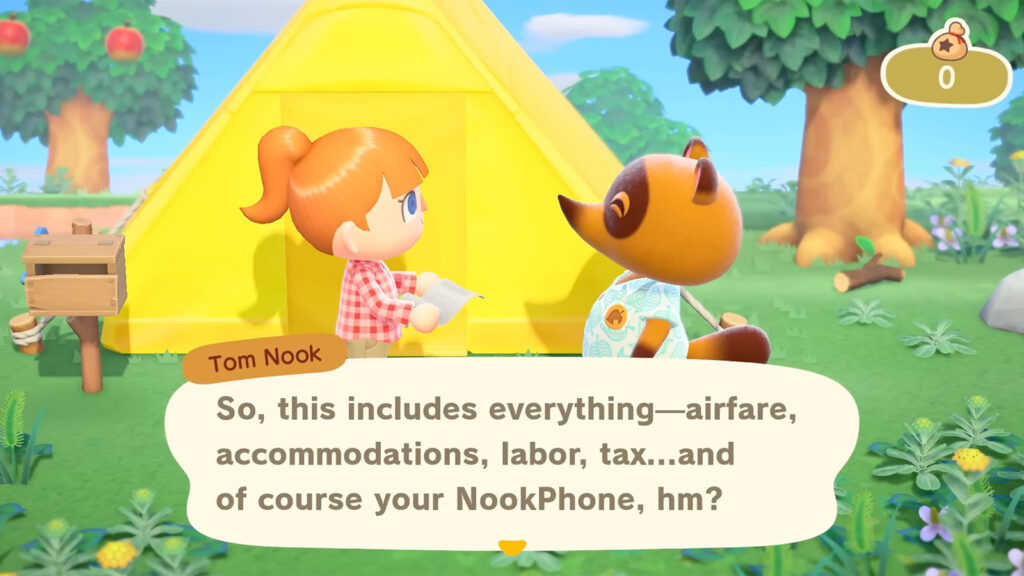
New to New Horizons is the game’s crafting mechanic; by playing, you’ll unlock or purchase DIY recipes, which allow you to craft tools along with furniture. Recipes can be earned, found, and bought from Tommy and Timmy or via Tom Nook’s Nook Miles reward system. Items can only be crafted at workbenches, and you’ll need the required resources for each item on hand.
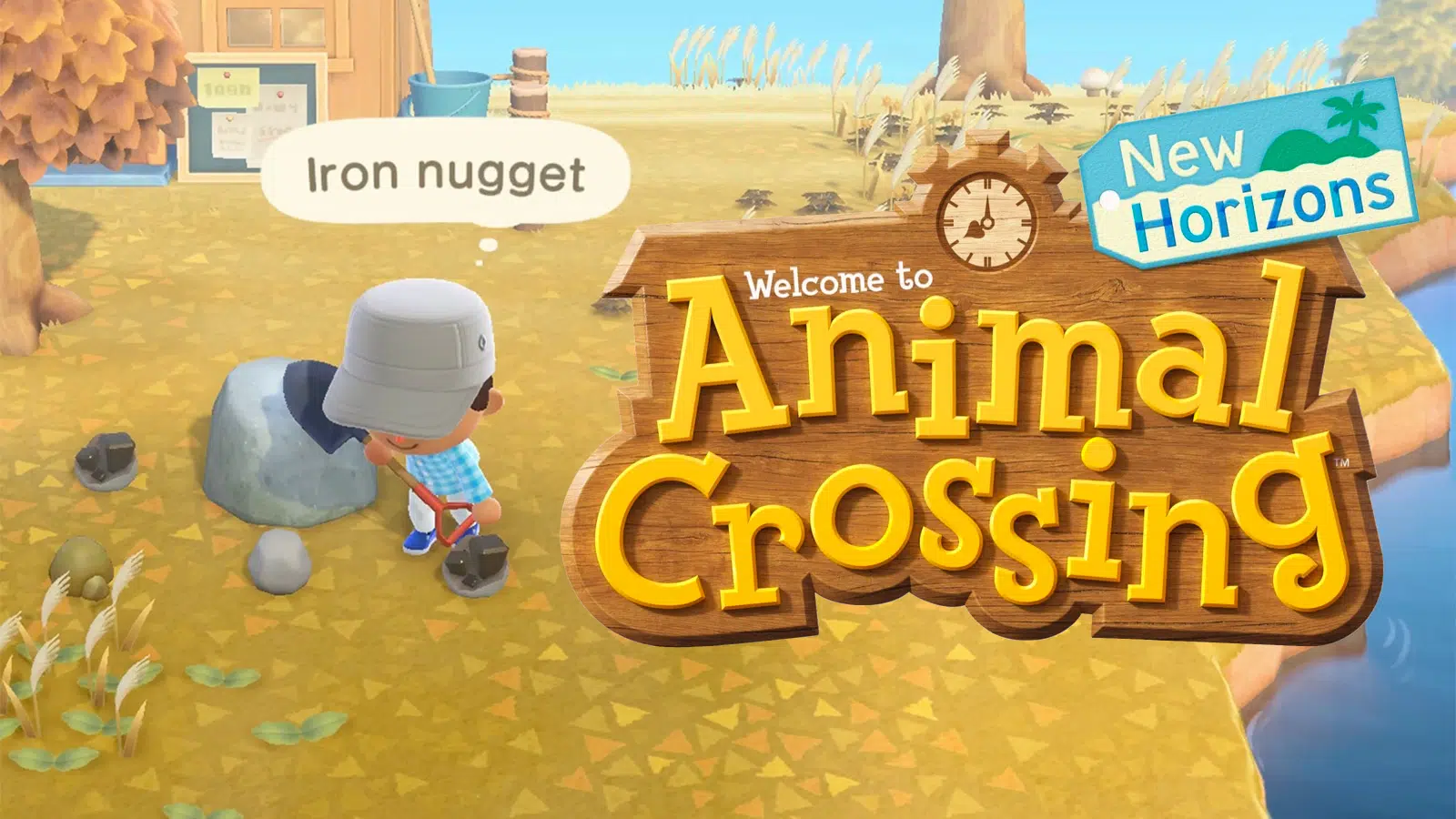
Resources can be found aplenty throughout your island as well as on neighbouring islands. Hard and softwood are earned by chopping down trees with your axe, while clay, stone, iron, and gold are found by mining rocks.
In addition to crafting, New Horizons also allows you to customize items by using customization kits first obtained from Tom Nook during the early game’s story and then bought from Nook’s Cranny. Using them on select items allows you to change the colour and patterns of said item, but customization options are pre-selected, which means you cannot change the colour of an item to anything you’d like.
Nook Miles and priorities
Nook Miles are an additional type of currency available in New Horizons. Accessible via the Nook Miles app and its upgraded Nook Miles+ version, you can earn points by completing various activities, from daily activities like talking to a number of villagers a day to longer progression-tied goals like digging up a fossil for the first time or upgrading your home.
All earned Nook Miles can be be redeemed for various rewards, including Bell Vouchers at a rate of 3,000 Bells per 500 Nook Miles, custom designs, DIY recipes, Nook Miles tickets to visit other islands, inventory expansion, new character customization options, a Tool Ring to quickly swap between tools, furniture, construction permits for landscaping your island, and so much more.
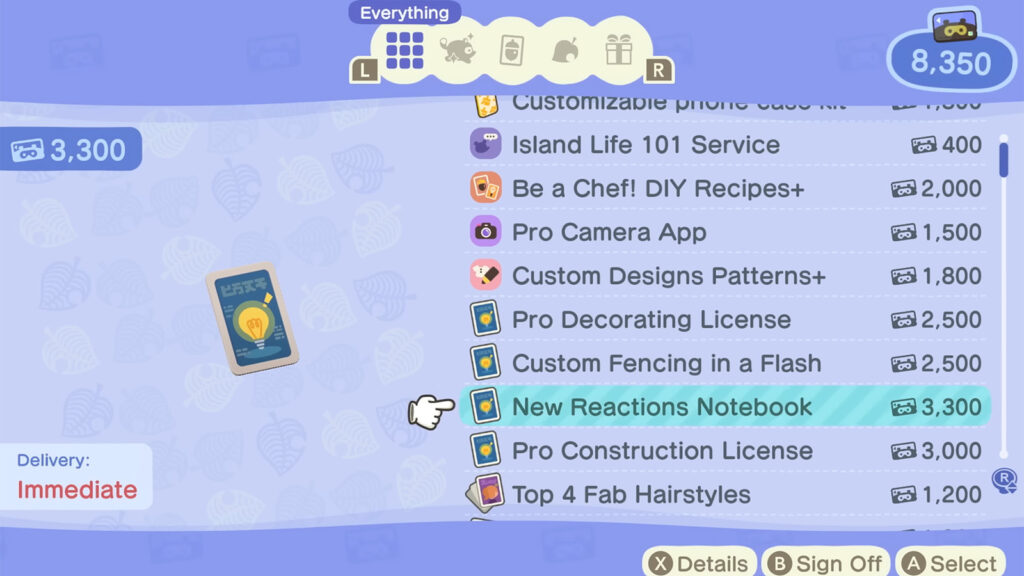
When you first start the game, you’ll want to spend your early Nook Miles on:
- Pocket Organization Guide: Expand your inventory to 30 spaces.
- Ultimate Pocket Stuffing: Expand your inventory to 40 spaces.
- Pretty Good Tools Recipes: Unlocks recipes for basic versions of tools.
- Tool Ring: Allows you to easily swap between tools.
- Island Life 101 Service: Unlocks the Island Life 101 app for quick in-game tips.
There are plenty of others worth claiming, particularly if you’re someone who wants to customize your character or environment. However, note that the Construction permits (Paths and land and water terraforming) are only available once you unlock the Island Designer app by achieving a three-star island rating and attending K. K. Slider’s performance outside Resident Services the next day.
Your first two weeks
One of my favourite parts of New Horizons was the early game progression where you work to expand your island into a town, up until the moment you achieve that three-star town rating. This process can be completed within around two weeks, depending on how quickly you can complete objectives.
If you’re someone who wants to quickly unlock terraforming and acquire that three-star rating, we’re putting together a quick and easy first two-week guide to help you speed through and unlock terraforming.
House and island development
Animal Crossing: New Horizons allows you to expand your home by paying off various mortgages, and it provides you with the ability to erect and upgrade various stores, although not as many as previous Animal Crossing games.
There are a total of 13 home upgrades, one Resident Services upgrade, one Nook’s Cranny upgrade, and two Museum upgrades in addition to several other shops and services you can unlock and construct.
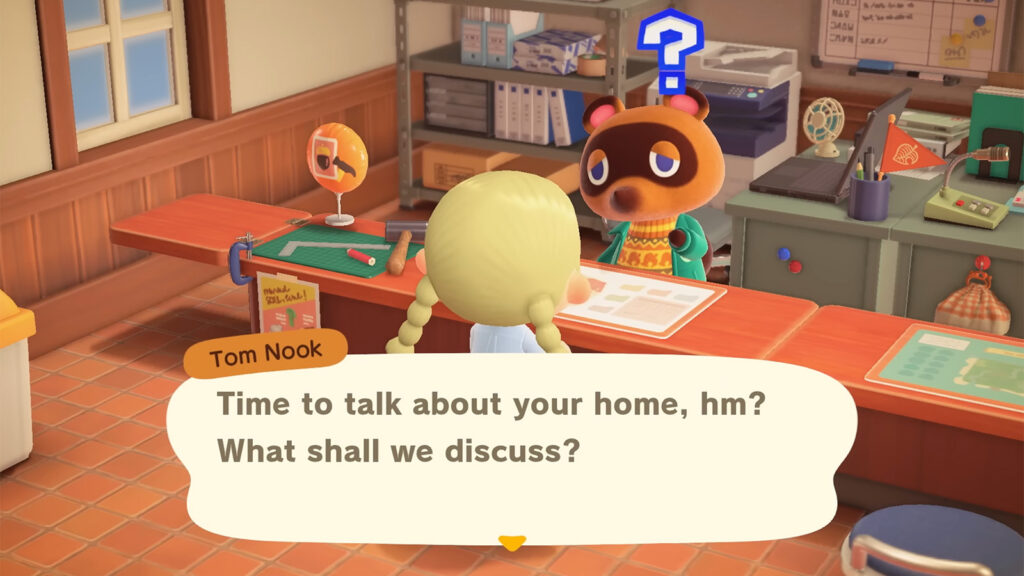
We’re working on guides covering what’s needed for all home upgrades and every other shop and their corresponding upgrade.
Decorating and terraforming
What makes Animal Crossing: New Horizons so unique compared to older games is the ability to completely terraform your island. You can add bridges and inclines via Tom Nook, add any of the game’s nine pathing options by redeeming patterns with Nook Miles, and add or remove your island’s cliffs and water features once you’ve achieved a three-star island rating and have attended K.K. Slider’s first concert.
Terraforming is incredibly fun, but there are several aspects of your island that you cannot change:
- Resident Services cannot be moved
- River mouths cannot be moved, only the islands and pools of water within your island can be edited
- The Airport cannot be moved
- Your native fruit cannot be changed, but other fruit can be planted
Terraforming is done through the Island Designer Construction Permit, an app that offers tools for land and waterscaping. However, upon unlocking the Permit, you’ll need to redeem additional permits to construct and demolish any cliffs and water features. These are sold at the Nook Stop machine as follows:
- Cliff construction permit: 6,000 Nook Miles
- Waterscaping permit: 6,000 Nook Miles
The game gives you plenty of freedom in terraforming your island, but there are several limitations. For example, cliffs and water features cannot be added or removed when close to bridges, buildings, inclines, trees, and other objects, or if any removable items are situated atop an existing cliff, and you can only construct waterfalls if there is a cliff on either side of the waterfall.
The Island Designer app also comes with an island cleanup option, which cleans up any items surrounding the player character and sends them into the Resident Services’ recycle bin – very handy if you’re needing to move multiple items to terraform.
Collecting and The Museum
Animal Crossing: New Horizons comes with hundreds of insects, fish, art, and fossils that you can acquire and sell or donate to the museum. Fish and insects change on a monthly basis, so make sure to check our guides below once ready to work out what to catch and when and how.
Four fossils spawn every day on your island. Dig them up with a shovel and take them to Blathers at the Museum, who can analyze them, and then decide whether to donate or sell them. Just note that many fossils for larger dinosaurs, like the T-Rex, are split into multiple parts: skull, tail, and torso, and so won’t appear fully complete until each piece has been donated.
Art can also be bought and donated to the Museum once it has been upgraded. Shopkeeper Redd runs Jolly Redd’s Treasure Trawler, located at the northern river mouths on your island, and sells four unique pieces of artwork as well as two furniture items.
Unfortunately, Redd can sell both genuine and forged artwork that sell for less and cannot be donated. Since you can only buy one piece of art per visit, it’s important to learn how to spot forgeries to ensure you only purchase authentic pieces. We’ll have a guide covering that very soon!
Cooking, farming, and Gyroids
Cooking was introduced to Animal Crossing: New Horizons with the game’s 2.0 free update, which adds the Be a Chef! DIY Recipes+ app, cataloguing your cooking recipes. You can cook via kitchenware like traditional crafting, but you’ll need to acquire ingredients for your dish, like vegetables, fruit, and more. Most ingredients can planted, grown, and harvested, but others will need to be bought from any of the shops on your island.
Gyroids are strange little furniture pieces that move and make noises in rhythm to music. Introduced to the game with the 2.0 free update, Gyroids can only be obtained by finding a fragment and watering it and digging it up after a day. Fragments can be found on neighbouring islands, washed up on beaches, or found in dig spots after rain once at least one Gyroid has grown on the island.
Harv’s Island and shops
Harvey is an NPC in Animal Crossing: New Horizons who has his own island that is home to Phototopia, a building that you can use to set up photo shoots with villagers and unlocked furniture and decor. The island is also home to several seasonal events, including June Wedding Season, and it’s the location of the game’s open-air market, where various traveling merchant NPCs appear and sell changing items.
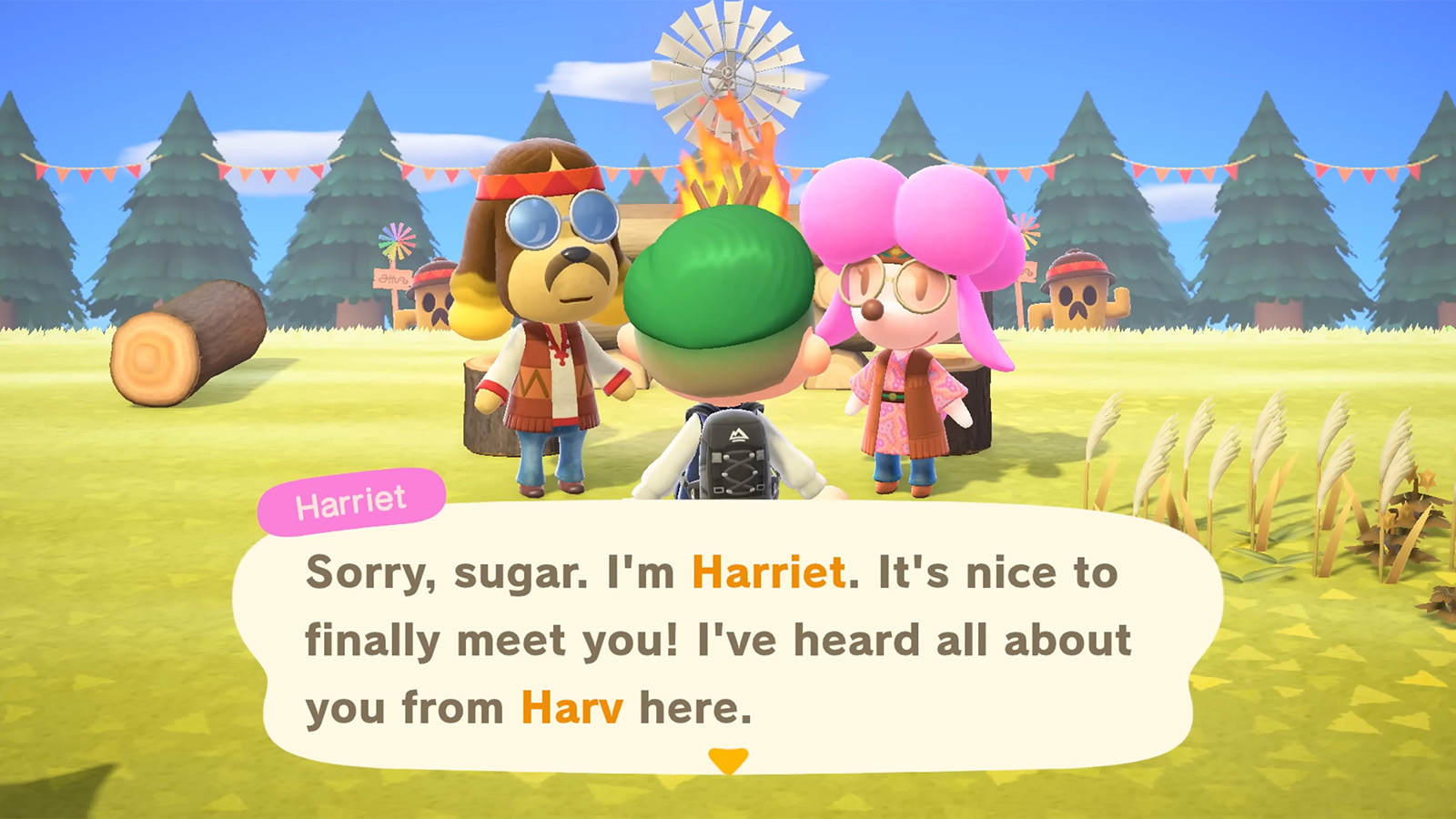
Harv (Left) and Harriet (Right) are some of the NPCs you’ll get to meet (Screenshot: Nintendo) 
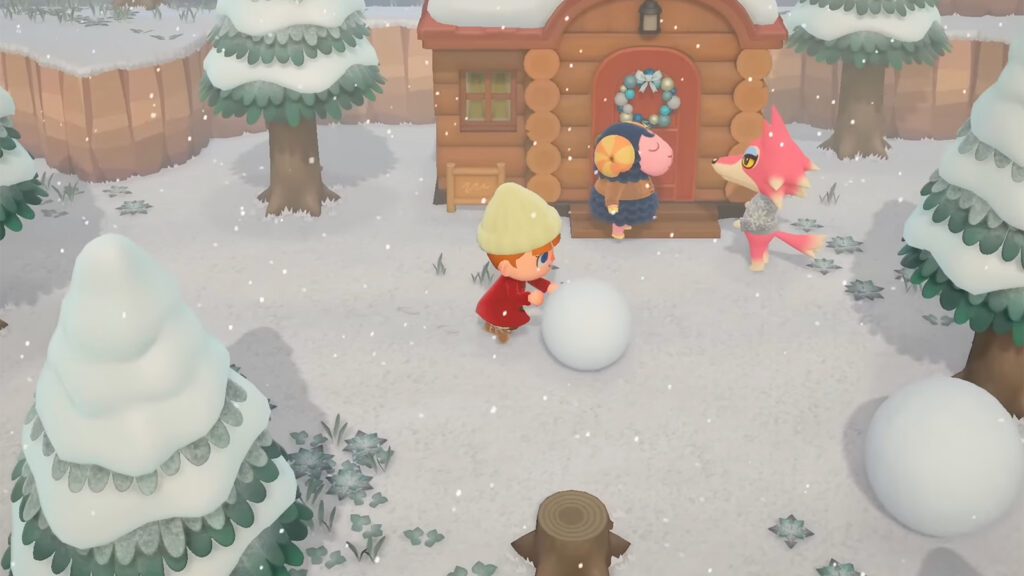
Tortimer was the mayor in previous Animal Crossing games, now he just relaxes (Screenshot: Nintendo)
The NPCs available include:
- Cyrus and Reese: Customizes furniture items.
- Harriet: Offers one of seven unique haircuts per day until all have been unlocked.
- Katrina: Can tell your daily fortune or reveal your relationship with any villagers.
- Kicks: Sells bags, socks, and shoes.
- Leif: Sells vegetable starters, non-native flowers, and out-of-season shrub starters.
- Redd: Sells two pieces of artwork and a raffle ticket to win handheld items.
- Saharah: Sells two unique wallpapers, floorings, floor tiles, and rugs.
- Tortimer: Add or remove any item from your home’s storage, and during fall, offers acorns as Cornimer.
Seasonal events and holidays
Since Animal Crossing: New Horizons follows real-time, you can enjoy playing through multiple seasonal events throughout the year that are usually based on real-life events like Christmas, and benefit from unique gameplay mechanics as well as special NPCs.
Every holiday in Animal Crossing: New Horizons
- New Year’s Day: January 1
- Fishing Tourney: Repeats several times throughout the year
- Bug-Off: Repeats several times throughout the year
- Setsuban: February 1-3
- Valentine’s Day: February 14
- Festivale: Takes place in February or March depending on the year
- Shamrock Day: March 10-17
- Bunny Day: Takes place in March or April around Easter
- Nature Day: April 23 – May 4
- May Day: April 29 – May 7
- International Museum Day: May 18-31
- Wedding Season: The month of June on Harv’s Island
- Fireworks Show: Every Sunday throughout August
- Halloween: October 31
- Turkey Day: Fourth Thursday of November
- Toy Day: December 24
- Countdown: December 31
A post on the Notice Board at Resident Services will let you know about an upcoming event, so remember to check there regularly!
The Airport: Island visiting and online play
Every island in Animal Crossing: New Horizons comes with an airport, which you can use to visit neighbouring islands, Harv’s Island, and friends in online play. You can visit neighbouring islands via the Mystery Tour option, with tickets obtained with Nook Miles. When this is selected, you’re whisked away to a randomly generated island. While there, you can collect any items you like, catch fish and insects, and interact with any villager on the island.
You can also fly to or invite your friends to your island via the airport. To do so, you’ll need to speak with Orville at the airport to generate a Dodo Code that your friends will need to enter when they’re ready to fly to you. Once you arrive on a friend’s island, or they land on yours, you’ll be free to explore together, catch fish, find insects, and do more.
DLC: Happy Home Paradise
Happy Home Paradise is a paid expansion released for Animal Crossing: New Horizons that launched around the time of the 2.0 update. As part of the expansion, you travel to an archipelago via the airport to work for Paradise Planning, a resort with custom-built vacation homes.
You’re tasked with decorating and designing homes for various resort guests. Similarly to the New Horizons base game, you’ll continually decorate homes and erect unique buildings and services until DJ K.K. performs a music festival. The Happy Home Paradise includes many more customization options than the base game, and it’s perfect for anyone who really enjoys the decorating aspect of Animal Crossing.
Animal Crossing: New Horizons 3.0 update
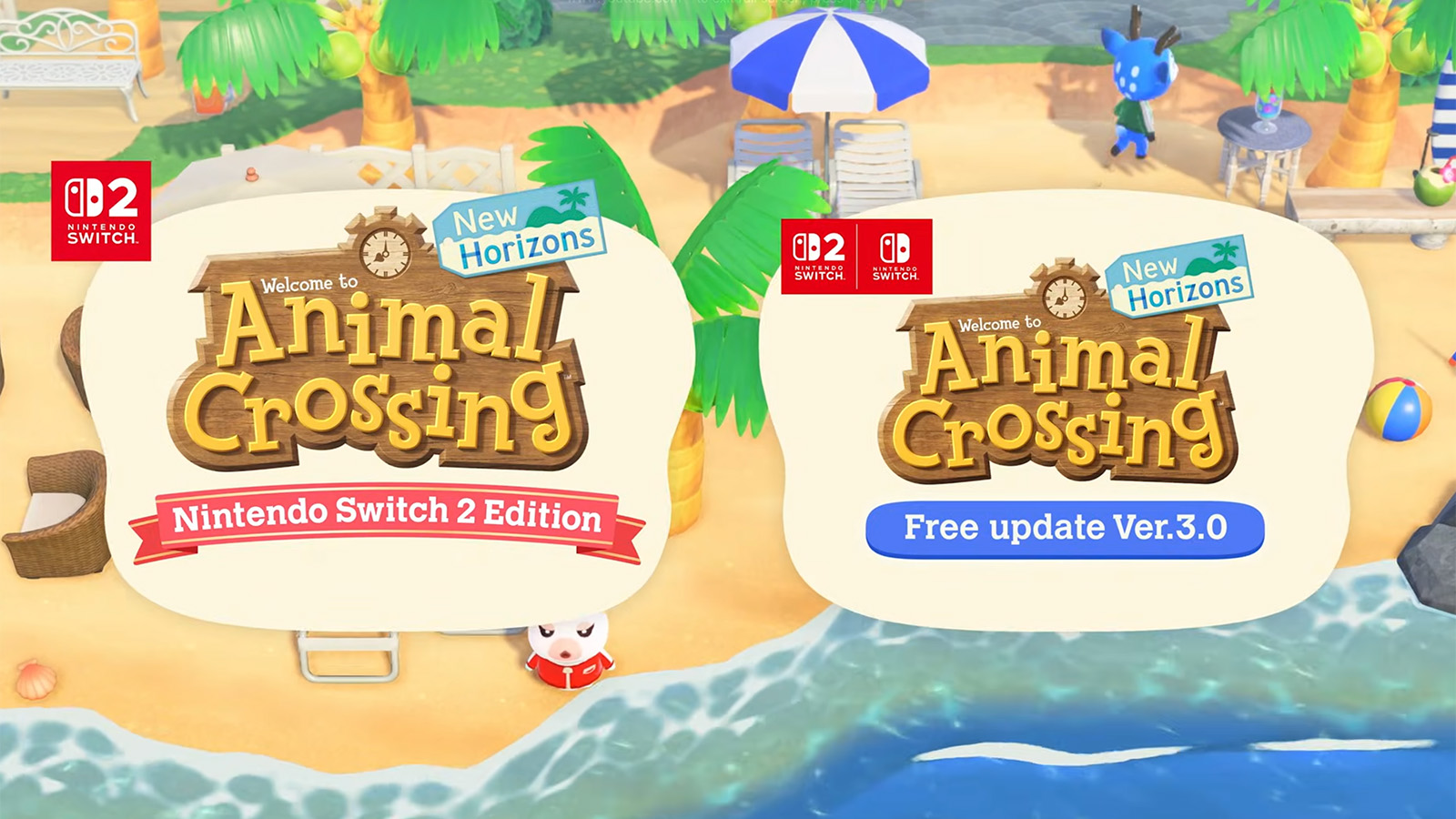
Last month, Nintendo shocked the world by announcing a brand-new free update for Animal Crossing: New Horizons. The 3.0 update, which releases alongside a Switch 2 Edition of the game, comes with a new Hotel as well as several quality-of-life changes. We’ve detailed everything coming with the 3.0 update and the Switch 2 Edition of the game in the below post, so check it out if you want to learn more!
Tips
- Prioritize inventory expansion first so you’re able to do catch and sell more fish, insects, and fossils.
- Dig two diagonal holes behind you when trying to hit money rocks to avoid bouncing too far back.
- Donate first copies of any new fossil, fish or insect and sell any duplicates or anything caught thereafter.
- Bury 10,000 Bells to plant a Bell tree when possible.
- Hold a net when shaking trees in case wasps fall and chase you (You can catch them!).
- Befriend your villagers and never forget their birthdays – they can provide you with some nice rewards!
- Plant non-native fruit trees as non-native fruit sell for more Bells than your island’s native fruit.
- Don’t eat fruit when mining as you can destroy it in one hit.
- Don’t compare your island to that of others.
- Play at your own pace!
